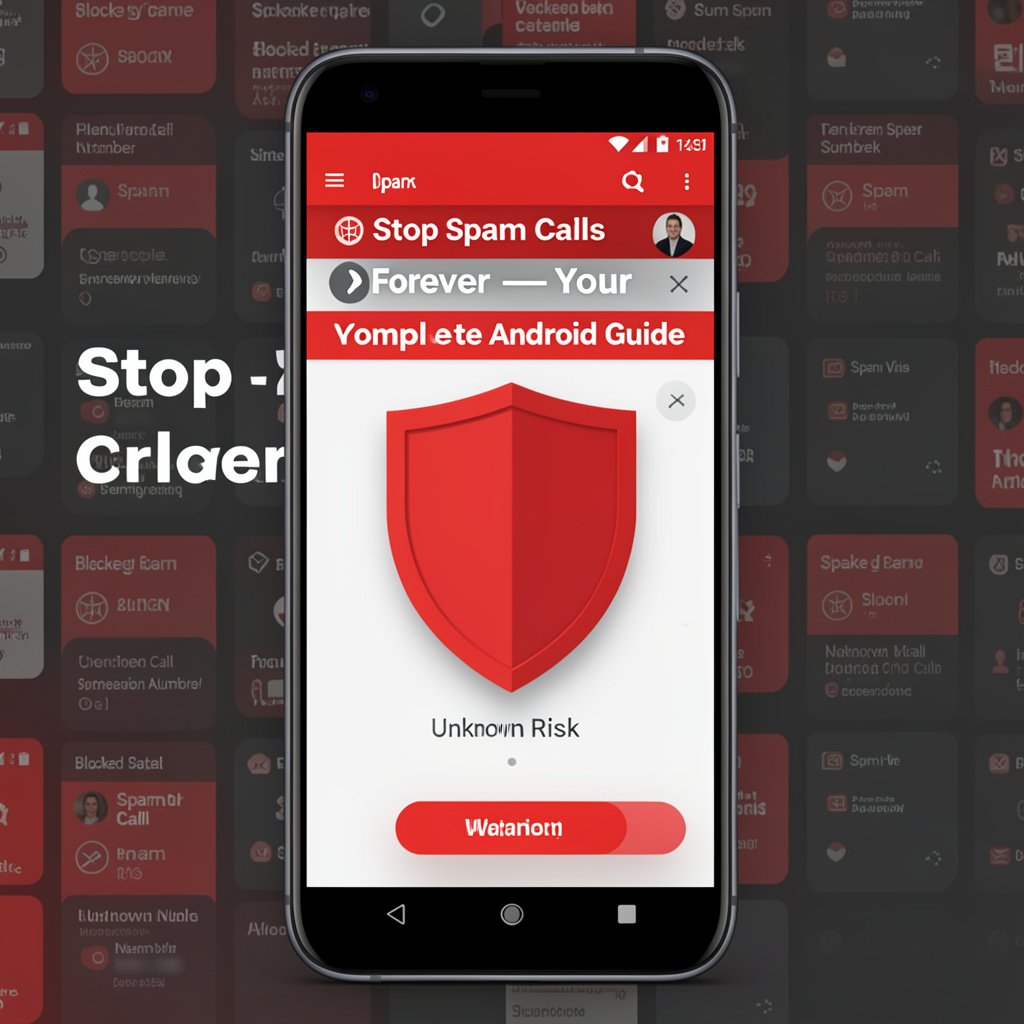
Spam calls have become one of
the most irritating aspects of owning a smartphone. Robocalls, telemarketing
calls, phishing scams disguised as your bank, and text message scams (smishing)
flood Android phones daily. According to industry data, billions of spam calls
are placed every month in the US alone.
The good news is that Android
offers multiple powerful tools to stop spam calls before they ever reach you —
many of them completely free. This guide covers every approach from built-in
Android features to the best third-party apps.
Built-In Android Spam Protection (Google Phone App)
If your phone uses the Google
Phone app (standard on Pixel phones and available for most Android devices),
you already have powerful spam filtering built in.
Enable Caller ID and Spam Protection
1. Open
the Phone app
2. Tap
the three-dot menu > Settings
3. Tap
Caller ID and Spam
4. Enable
See caller and spam ID and also Filter spam calls
With spam filtering on, calls
identified as spam are automatically rejected and sent to voicemail or blocked
completely. You will see a "Spam Risk" label on suspicious calls that
do get through.
Block a Specific Number
5. Open
the Phone app > Recents tab
6. Tap
the number you want to block
7. Tap
Block or Report Spam
Block Unknown Numbers With Do Not Disturb
If you want to only receive
calls from contacts and block all unknown numbers:
8. Settings
> Sound > Do Not Disturb
9. Tap
People > Calls > Allow from Contacts Only
10. Enable Do
Not Disturb
Unknown callers will be silenced
and sent to voicemail. This is a powerful approach if you know all your
important callers are in your contacts.
Samsung-Specific: Block Calls on Samsung Phones
Samsung One UI has its own
built-in spam protection:
11. Open the
Phone app
12. Tap the
three-dot menu > Settings > Block Numbers
13. Enable
Block Anonymous Calls to block all private number calls
14. Add
specific numbers to the block list manually
Best Apps to Block Spam Calls on Android
1. RoboKiller — Best AI Spam Blocker
RoboKiller uses AI to identify
and block spam calls before they ring, and even features Answer Bots that waste
robocallers' time. It blocks over 500 million spam calls per month according to
the company. Paid, but offers a free trial.
2. Hiya — Best Free Caller ID App
Hiya identifies unknown callers,
flags spam, and blocks specific numbers. Its free version is excellent and does
not require a subscription. Used by Samsung for their built-in caller ID
feature.
3. Truecaller — Best for Caller Identification
Truecaller has the world's
largest caller ID database. It identifies unknown numbers in real time and
blocks spam automatically. The free tier works well, with a premium upgrade
available for ad removal.
4. Call Control — Best for SMS Spam Blocking
Call Control excels at blocking
spam texts in addition to calls. It has a community-based blocklist that
updates in real time as new spam numbers are reported by users.
Block Spam Text Messages on Android
For SMS spam, use these
approaches:
Block in Google Messages
15. Open Google
Messages
16. Open the
spam conversation
17. Tap the
three-dot menu > Block and Report Spam
Enable Spam Protection in Google Messages
18. Google
Messages > three-dot menu > Settings
19. Tap Spam
Protection > Enable spam protection
Use Your Carrier's Spam Protection Service
All major US carriers offer spam
and robocall protection:
•
AT&T: Active Armor (free app with basic protection)
•
T-Mobile: Scam Shield (free for all T-Mobile customers)
•
Verizon: Call Filter (free basic, paid advanced)
Download your carrier's app and
enable spam filtering for an additional layer of protection.
Register on the Do Not Call Registry
US residents can register their
number at donotcall.gov to opt out of legitimate telemarketing calls. Note:
this does not stop illegal robocalls or scams, but it reduces the overall
volume of calls.
Tips to Avoid Being Targeted
•
Never answer calls from numbers you do not recognize
•
Do not call back unknown numbers — use a reverse lookup
service first
•
Never press "1" to be removed from a spam
call list — it confirms your number is active
•
Be cautious about giving your phone number to websites
and apps
Conclusion
Blocking spam calls on Android
has never been easier, especially with the Google Phone app's built-in
filtering and apps like Hiya and Truecaller. Start by enabling the built-in
spam filtering in your phone app and activating your carrier's spam protection
service. For serious spam problems, RoboKiller or Truecaller will stop the
overwhelming majority of unwanted calls from ever reaching you.
Category:
Mobile Apps
Tags:
block spam calls Android, stop robocalls, Truecaller spam
protection, Android call filter