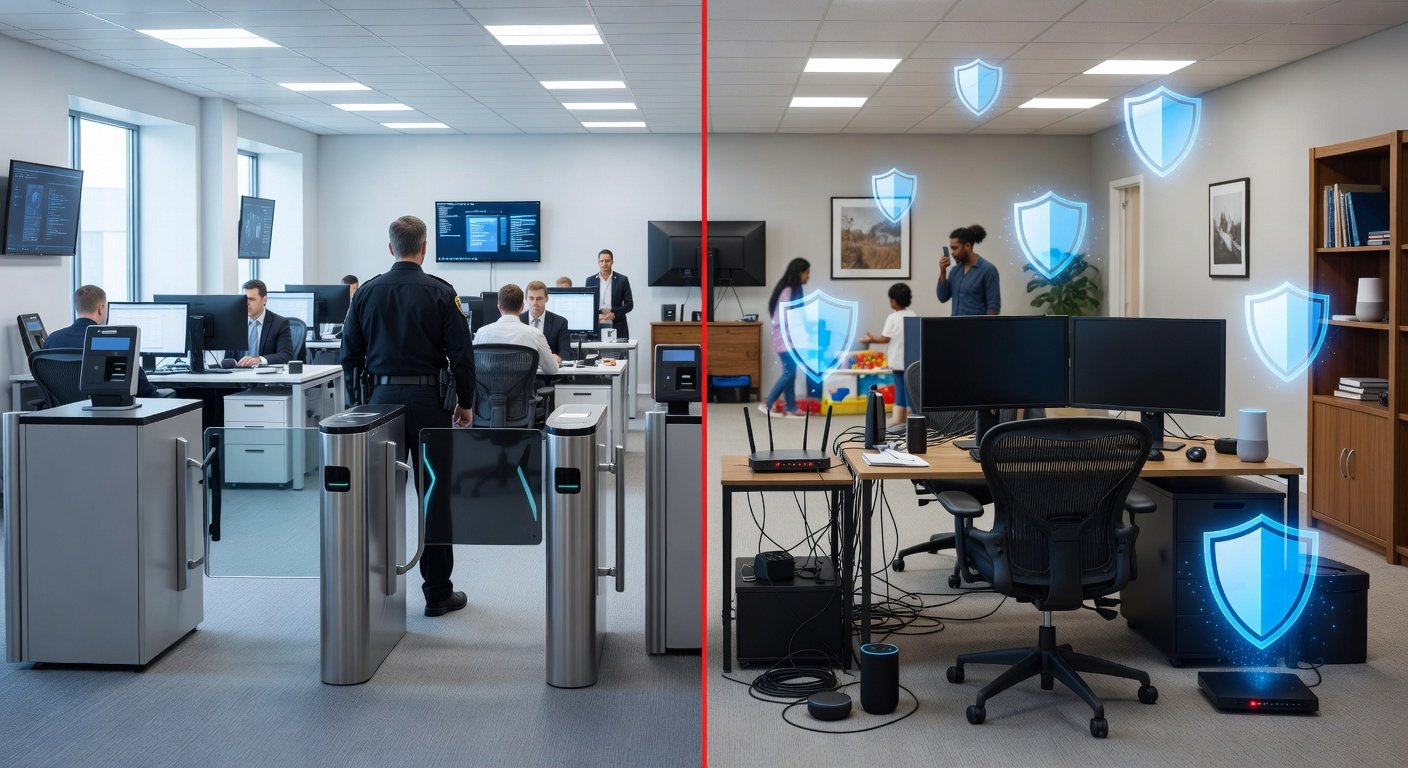
When you work from a corporate office, a team of IT
professionals manages firewalls, network monitoring, security patches, and
physical access controls. When you work from home, most of that infrastructure
disappears, and you become your own security administrator — whether you
realize it or not.
Remote work has permanently expanded the corporate attack
surface. Every home office is a potential entry point for attackers targeting
your employer. And unlike office environments, home networks are shared with
personal devices, smart home gadgets, and family members whose security habits
may be less carefully maintained. This guide addresses the practical steps
every remote worker should take.
Securing Your Home Network for Work
Use Your Work Device for Work — Only
The most fundamental rule: use your employer-provided work
device exclusively for work activities. Do not use it for personal browsing,
gaming, streaming, or letting family members use it. Personal use dramatically
increases the risk of malware installation, and anything that happens on a work
device creates potential liability for both you and your employer.
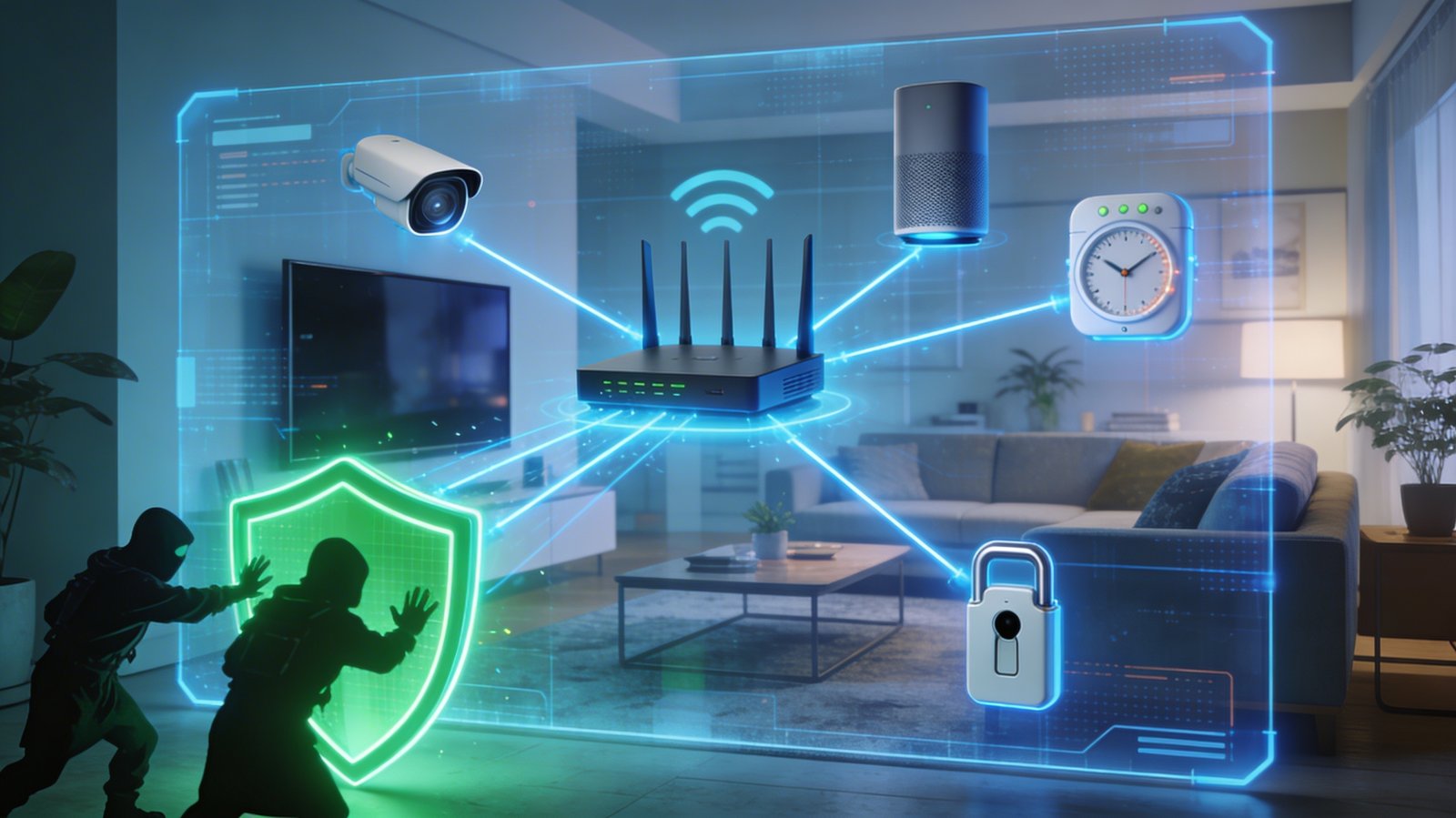
Secure Your Home Router
Change default router credentials, enable WPA2 or WPA3
encryption, update firmware, and disable remote management. Put your work
device on your main, secured network, and consider keeping personal devices and
smart home gadgets on a separate guest network to prevent lateral movement if
one device is compromised.
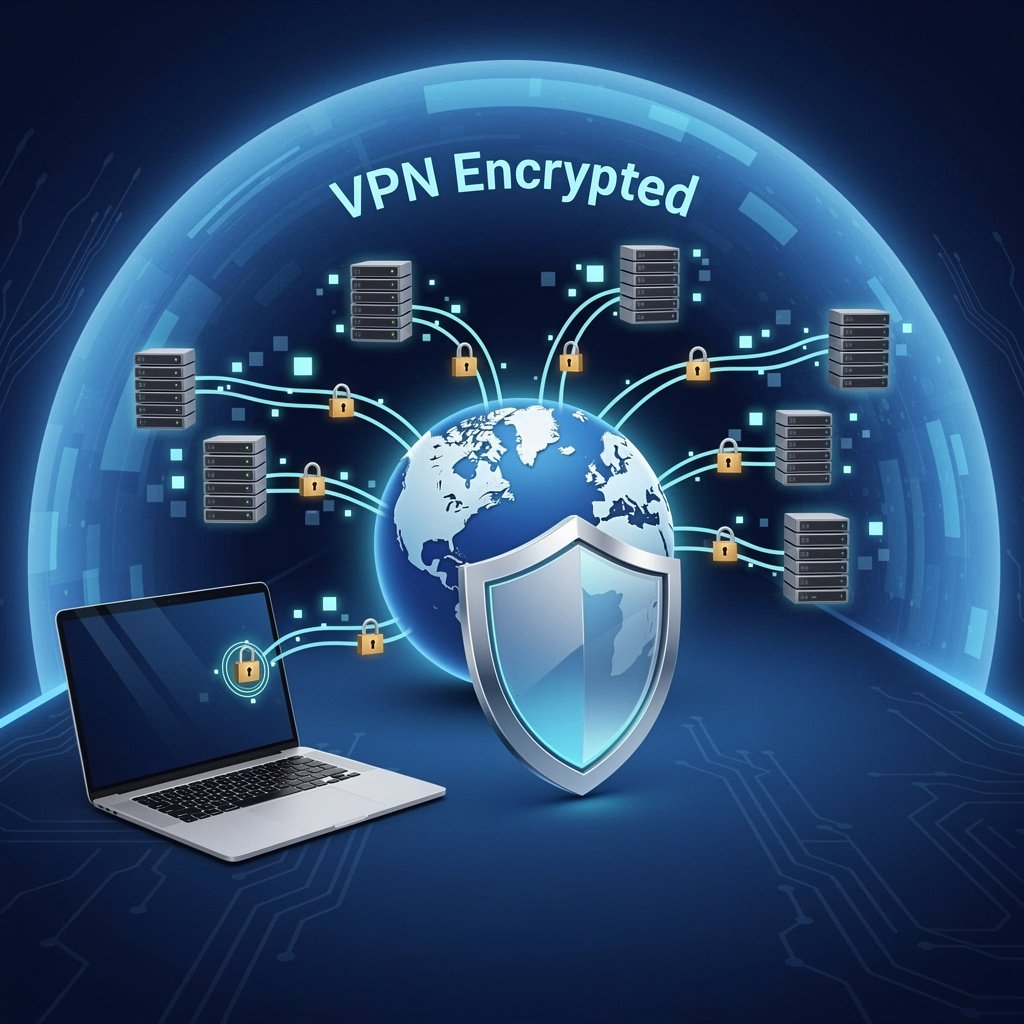
Use a Company VPN
If your employer provides a VPN, use it every time you
access corporate resources. The corporate VPN encrypts your connection and
routes it through the company network, applying enterprise-grade security
controls to your traffic. Connect to it before accessing any work systems,
email, or files.
Physical Security in the Home Office
Physical security is often forgotten in remote work security
discussions. Consider these points:
•
Lock your screen whenever you step away from your
computer (Windows Key + L on Windows, Command + Control + Q on Mac).
•
Position your monitor so it is not visible through
windows or to family members or visitors who do not need to see your work.
•
Use a privacy screen filter if you work in shared
spaces or if your workspace is in a common area.
•
Shred paper documents containing sensitive work
information — do not simply throw them away.
•
Secure your work laptop in a locked drawer or bag when
not in use, particularly in shared living situations.
Communication Security for Remote Workers
Use Only Approved Communication Tools
It is tempting to use WhatsApp, personal Gmail, or
consumer-grade tools for work conversations when colleagues are doing the same.
Resist this. Consumer apps do not meet corporate data security requirements,
and sensitive business information shared through them is outside your
company's security controls and backup systems. Stick to IT-approved tools:
Microsoft Teams, Slack, Zoom with enterprise settings, or whatever your company
specifies.
Video Call Security
Be aware of what is visible in your background on video
calls — sensitive documents, whiteboards, second screens with confidential
information. Use a virtual background if necessary. Always be certain of who is
on a call before discussing sensitive matters, and be cautious about recording
meetings without proper consent.
Email Security
Business Email Compromise (BEC) attacks — where attackers
impersonate executives to trick employees into transferring money or sharing
sensitive data — are dramatically more effective against remote workers who do
not have colleagues physically nearby to verify unusual requests. Always verify
unusual financial requests via a direct phone call, even if they appear to come
from your CEO.
Data Handling and Storage
Store work files on company-approved cloud storage
(SharePoint, Google Workspace for Business, Dropbox Business) rather than local
drives or personal cloud accounts. This ensures proper backup, access controls,
and data ownership. Never store work data on personal devices, personal cloud
accounts, or USB drives not provided by your IT department.
Account Security for Work Accounts
•
Use strong unique passwords for all work accounts,
managed through a company-approved password manager.
•
Enable MFA on every work account that supports it —
email, VPN, company applications.
•
Log out of work accounts when not in use, especially on
shared devices.
•
Report lost or stolen work devices to IT immediately —
devices can often be remotely wiped.
•
Regularly check your work accounts for unfamiliar
logins or suspicious activity.
Responding to a Security Incident at Home
If you suspect your work device or home network has been
compromised, disconnect the affected device from the network immediately and
contact your company's IT security team. Do not try to handle it yourself — IT
teams need to investigate what was accessed and whether the incident extends to
company systems. Early reporting limits damage and is always the right call,
regardless of what caused the incident.
Final Thoughts
Remote workers carry real security responsibilities that go
beyond what most people realize when they close the office door behind them for
the last time. But the fundamentals are straightforward: secure your network,
use your employer's security tools, handle sensitive data carefully, and
maintain the same security habits at home that you would in a monitored
corporate environment. Your home office can be just as secure as the corporate
office — it just requires conscious effort to make it so.