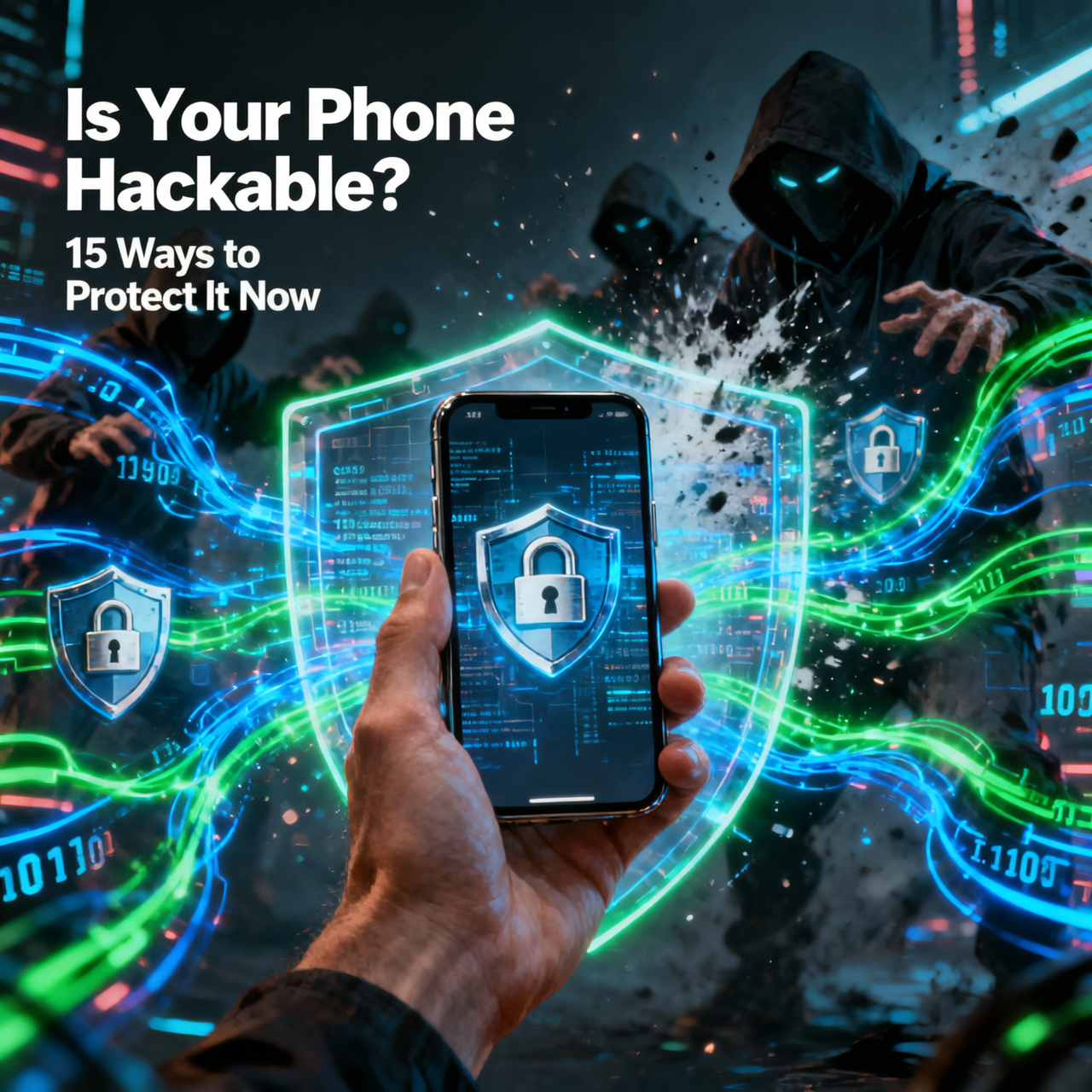
Your smartphone is the most
personal computer you own. It contains your banking apps, emails, private
photos, medical information, passwords, location history, and communication
records. It is also the device you carry everywhere, connect to public Wi-Fi, and
install dozens of apps on — making it a prime target for hackers, data thieves,
and corporate surveillance.
Protecting your phone does not
require being a security expert. These 15 practical steps create multiple
layers of defense that make your device significantly harder to compromise.
Account and Authentication Security
1. Use a Strong, Unique Lock Screen Password
A PIN or password is your first
line of defense. Use a minimum 6-digit PIN or, better, an alphanumeric
password. Avoid obvious patterns like 123456, your birthday, or consecutive
sequences. Also disable Smart Lock features that keep the phone unlocked at home
— these reduce your security margin significantly.
2. Enable Two-Factor Authentication (2FA) on Every Account
Two-factor authentication means
even if a hacker steals your password, they cannot access your account without
the second factor (typically a code from your phone or an authenticator app).
•
Enable 2FA on your Google account, Apple ID, email,
banking, and social media accounts
•
Use an authenticator app (Google Authenticator, Authy,
or Bitwarden) instead of SMS-based 2FA when available, as SIM swapping attacks
can intercept SMS codes
3. Use a Password Manager
Reusing passwords across sites
is one of the most dangerous security habits. A password manager generates and
stores unique random passwords for every site. See the previous article for
recommendations.
App and System Security
4. Only Install Apps from Official Stores
Sideloading apps (installing
APKs from outside the Play Store) bypasses Google's safety checks. Only
download from the Google Play Store or Apple App Store. On Android, ensure Install
Unknown Apps is disabled in Settings > Security.
5. Audit App Permissions Regularly
Many apps request permissions
they do not actually need for their core function. A flashlight app should not
need access to your Contacts or Microphone.
1. Settings
> Privacy > Permission Manager
2. Review
apps with Camera, Microphone, Location, and Contacts access
3. Revoke
permissions from apps that have no legitimate need
6. Keep Your OS and Apps Updated
Security patches address
discovered vulnerabilities that hackers actively exploit. An unpatched phone
with known vulnerabilities is significantly more hackable than an up-to-date
one. Enable automatic updates for both the system and apps.
7. Use Google Play Protect
Play Protect is Google's
built-in malware scanner that continuously checks installed apps. Verify it is
active: Play Store > Profile > Play Protect > Enable Scan Apps with
Play Protect.
Network Security
8. Avoid Public Wi-Fi, or Use a VPN
Public Wi-Fi networks (coffee
shops, airports, hotels) are hunting grounds for man-in-the-middle attacks
where hackers intercept your data. If you must use public Wi-Fi, always connect
through a VPN first. ProtonVPN Free is an excellent zero-cost option.
9. Turn Off Wi-Fi, Bluetooth, and Location When Not in Use
Wi-Fi and Bluetooth in discovery
mode can be exploited by nearby attackers. GPS is tracked by apps and carriers.
Disable these radios when not actively needed. Use Quick Settings for rapid
toggling.
10. Use Encrypted Messaging Apps
Regular SMS messages are not
encrypted and can be intercepted. Use Signal (the gold standard for encrypted
messaging), WhatsApp (end-to-end encrypted), or Telegram's Secret Chats mode
for sensitive conversations.
Physical and Advanced Security
11. Enable Remote Wipe
If your phone is stolen, remote
wipe allows you to erase it before thieves access your data.
•
Android: Enable Find My Device at Settings > Google
> Security > Find My Device
•
iPhone: Settings > [Your Name] > Find My >
Enable Find My iPhone and Erase iPhone option
12. Enable Full-Disk Encryption
Modern Android phones (Android
6+) and iPhones encrypt data by default when a lock screen password is set.
Verify this is active: Settings > Security > Encryption and Credentials
> Encryption Status should show Encrypted.
13. Be Wary of Phishing Links
Phishing remains the most
effective hacking technique. Be skeptical of:
•
Unexpected SMS or email links asking you to log in
•
Urgent warnings that your account has been compromised
•
Prize notifications or delivery confirmation links you
did not expect
Always navigate to websites
directly by typing the URL rather than clicking links.
14. Check for Stalkerware / Spyware
If someone with physical access
to your phone installed tracking software, you may not know. Signs include:
unusual battery drain, phone getting hot with no activity, increased data
usage. Use Malwarebytes or Certo Mobile Security to scan for spyware.
15. Use a Privacy Screen Protector
Shoulder surfing — someone
looking over your shoulder to see your screen in public — is a real threat for
banking and password input. Privacy screen protectors limit viewing angles so
only you can see the screen at standard viewing distance.
Conclusion
Smartphone security is not about
paranoia — it is about closing the obvious doors that attackers use every day.
Implementing these 15 measures, particularly 2FA, app permission auditing, and
VPN on public Wi-Fi, creates a robust defense against the vast majority of
threats targeting ordinary users in 2026.
Category:
Mobile Apps
Tags:
protect phone from hackers, smartphone security 2026, two-factor
authentication, Android security tips