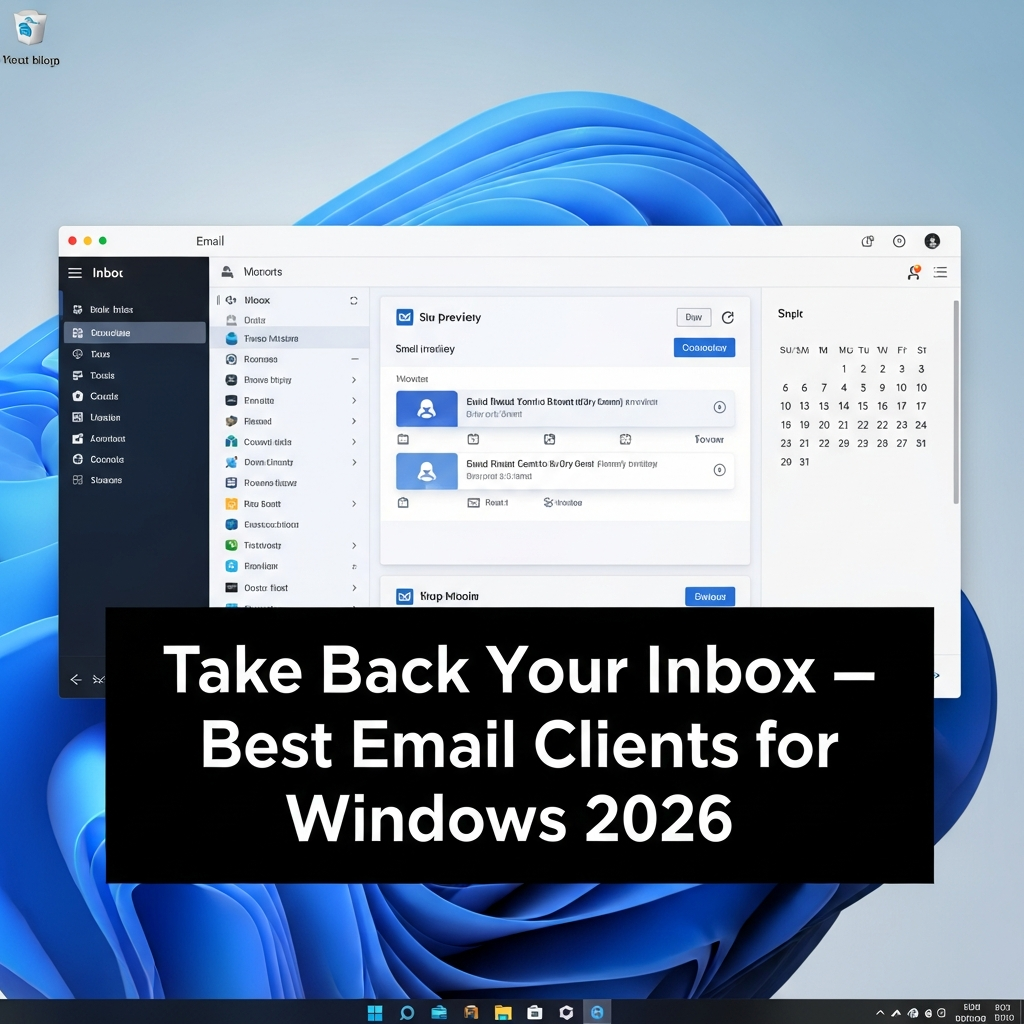
Most people manage their email
through a web browser — logging into Gmail, Outlook.com, or Yahoo Mail every
time. But a dedicated desktop email client offers significant advantages:
faster access, offline reading, better keyboard shortcuts, unified inbox for
multiple accounts, privacy from browser tracking, and integration with your
local calendar and contacts.
Here are the best email client
programs for Windows in 2024, with honest assessments of their strengths and
limitations.
1. Mozilla Thunderbird — Best Free Email Client
Platform: Windows, Mac, Linux
(free, open-source)
Mozilla Thunderbird is the
oldest and most trusted free email client available. Developed by the Mozilla
Foundation (the organization behind Firefox), it has been refined over 20 years
into a powerful, flexible, and fully free email solution.
Key Features
•
Supports multiple email accounts: Gmail, Outlook,
Yahoo, and any IMAP/POP3 provider
•
Unified inbox across all accounts
•
Powerful message filtering and search
•
Extensive extension ecosystem for added functionality
•
Built-in calendar (Lightning) for scheduling
•
OpenPGP encryption for secure email
•
Junk mail controls with adaptive learning
•
Offline access to all messages
Thunderbird underwent a
significant visual overhaul in version 115 (Supernova), introducing a
modernized interface that addresses years of criticism about its dated
appearance. The 2024 version is the most user-friendly Thunderbird has ever
been.
It remains the top
recommendation for users who want a free, private, open-source email client
without ads, subscriptions, or data collection.
2. eM Client — Best User-Friendly Email Client for Windows
Platform: Windows, Mac (free
limited; paid full)
eM Client is the most
modern-looking email client for Windows, with an interface that feels closer to
a premium productivity app than the functional-but-dated design of most email
software.
Key Features
•
Unified inbox with conversation threading
•
Integrated calendar, contacts, tasks, and notes
•
Built-in S/MIME and PGP encryption
•
Google, Office 365, Exchange, iCloud, and IMAP support
•
Translation in 30 languages built in
•
Snooze emails for later
•
Undo send option
•
Dark mode and customizable themes
The free version allows up to 2
accounts. The Pro version ($49.95 one-time) removes the account limit and adds
business features.
3. Microsoft Outlook — Best for Microsoft 365 Users
Platform: Windows, Mac, iOS,
Android (subscription via Microsoft 365)
The original Outlook remains the
standard for enterprise environments and is deeply integrated with Exchange,
Teams, SharePoint, and the broader Microsoft ecosystem. Its calendar, contacts,
and task management are unmatched for business users.
The new Outlook (released in
2026) brings a redesigned interface with improved speed and modern features.
However, it also introduces more cloud-based telemetry than the classic
version, which has concerned privacy-aware users.
Microsoft Outlook is included
with Microsoft 365 Personal ($69.99/year) or available as a free new Outlook
version in Windows 11.
4. Mailbird — Best Email Client for Productivity
Platform: Windows (free limited;
paid)
Mailbird focuses on speed and
integration, connecting email with productivity apps you already use:
•
Integrations: Slack, Trello, WhatsApp, Google Calendar,
Dropbox, and more
•
Unified inbox for all accounts
•
Quick compose with keyboard shortcuts
•
Speed reader for rapidly scanning long emails
•
Customizable layout and color themes
Mailbird Personal starts at $49
one-time. It is the best choice for users who want email at the center of a
broader productivity hub.
5. The Bat! — Best Email Client for Security
Platform: Windows
The Bat! is a Windows-only email
client with a 25-year history, beloved by privacy and security professionals.
It stores all mail in its own proprietary format, integrates deeply with PGP
encryption, and focuses entirely on security-conscious email management.
It lacks the modern design of
competitors but provides unmatched security features for users who need
certified S/MIME, PGP, and advanced filtering for sensitive business
communications.
How to Set Up Thunderbird with Gmail
1. Download
Thunderbird from thunderbird.net
2. Open
Thunderbird and enter your name, Gmail address, and password
3. Thunderbird
will auto-configure Gmail settings
4. For
Gmail, you may need to enable IMAP: Gmail Settings > See All Settings >
Forwarding and POP/IMAP > Enable IMAP
5. If
using 2FA, generate an App Password in Google Account > Security > App
Passwords
6. Your
Gmail inbox will sync within minutes
Desktop vs Webmail: Which Should You Use?
Choose a desktop email client
if:
•
You manage multiple email accounts and want a unified
inbox
•
You need offline access to your emails
•
You want keyboard shortcuts and faster email processing
•
You value privacy from browser-based tracking
Stick with webmail if:
•
You use email casually and primarily from one account
•
You frequently switch computers and need cross-device
access
•
Your email volume is low and does not justify the setup
Conclusion
Thunderbird is the best free
email client for Windows — open-source, powerful, and privacy-respecting. eM
Client is the best choice if you want a modern interface without paying for
Outlook. Microsoft Outlook remains the enterprise standard for those embedded
in the Microsoft ecosystem. A desktop email client is one of those changes that
many users resist and then wonder how they managed without once they make the
switch.
Category:
Software Reviews
Tags:
best email client Windows, Thunderbird review, eM Client free,
Outlook alternative desktop email