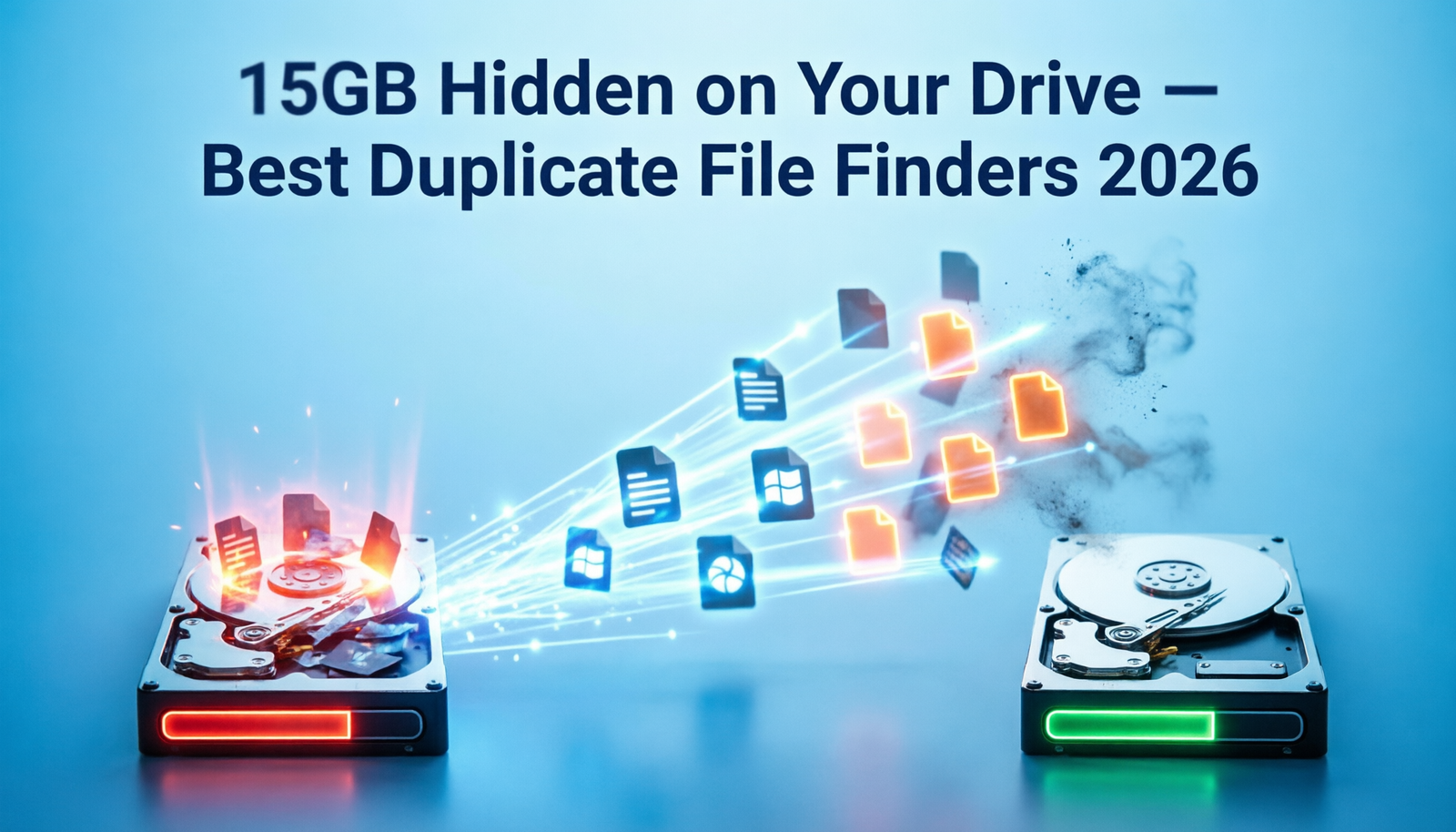
Duplicate files are a silent
storage thief. Photos downloaded from WhatsApp saved twice. Documents emailed
to yourself and saved in multiple folders. Songs imported into iTunes that also
exist in your downloads folder. Videos backed up three times in different
locations. Over years, these duplicates accumulate into gigabytes of wasted
space.
Duplicate file finder software
scans your drives, identifies identical files, and helps you remove the extras
— safely, with previews before deletion. Here are the best tools in 2026.
How Duplicate File Finders Work
Good duplicate finders use
cryptographic hashing (typically MD5 or SHA-256) to identify identical files
regardless of filename. Two files named completely differently can be
identified as byte-for-byte identical because their hash values match. Some
tools also offer similarity-based matching for photos (finding near-duplicate
images that are slightly different crops or resolutions).
1. dupeGuru — Best Free Duplicate File Finder
Platform: Windows, Mac, Linux
(free, open-source)
dupeGuru is the most trusted
free duplicate file finder available. It is open-source, lightweight, and
consistently reliable. It comes in three modes: standard (all files), music
(audio-specific with metadata matching), and pictures (image similarity matching).
Key Features
•
Standard mode: finds exact duplicate files via hash
comparison
•
Music mode: matches audio files by title, artist, album
metadata — finds duplicates even with different encodings
•
Pictures mode: finds similar (not just identical)
images using visual similarity algorithms
•
Flexible deletion options: send to Trash, move to
folder, delete immediately
•
Preview thumbnails for photo duplicates before deletion
•
Exclude folders from scans
•
Mark/unmark duplicates for selective deletion
dupeGuru has found its way onto
thousands of technicians' toolkits because it reliably finds duplicates that
simpler tools miss — especially near-duplicate photos.
2. Duplicate Cleaner Free — Best for Photos
Platform: Windows (free and
paid)
Duplicate Cleaner is specifically
strong for photo duplicate detection, with a visual thumbnail comparison mode
that shows you original and duplicate side by side before any deletion.
Key Features
•
Visual image preview: compare originals and duplicates
simultaneously
•
Scan by content, name, or folder
•
Similar image detection with adjustable sensitivity
threshold
•
Audio file matching by content and metadata
•
Multiple selection modes: keep newest, keep largest,
keep in specific folder
The free version is fully
functional for most use cases. Duplicate Cleaner Pro ($29.99) adds advanced
filtering and a folder comparison mode.
3. AllDup — Best for Large Drives and Deep Scans
Platform: Windows (free)
AllDup is a powerful freeware
duplicate finder that handles extremely large drives — millions of files —
without performance issues. It offers more scan criteria than most tools:
•
Match by file content, name, extension, size, date, or
combination
•
Audio file comparison by duration and tags
•
ZIP and other archive content scanning
•
Exclude system files automatically
•
Group duplicates by content, not just name
AllDup is the choice for users
with external drives containing hundreds of thousands of files who need
thorough scanning with flexible criteria.
4. Easy Duplicate Finder — Best Beginner-Friendly Tool
Platform: Windows, Mac (limited
free; paid for full)
Easy Duplicate Finder uses a
wizard-based approach that guides non-technical users through scanning and
cleanup. It shows a pie chart of how much space duplicates occupy and presents
results in a simple interface with clear recommendations.
The free version covers
essential scanning. The premium version ($29.95/year) removes limits and adds
cloud storage scanning (Google Drive, Dropbox).
Safe Deletion Practices
Before deleting any files
identified as duplicates:
1. Always
review which copy will be kept and which deleted
2. Send
to Recycle Bin rather than permanent delete — verify before emptying
3. When
in doubt about photos, keep the file with the largest file size (typically
higher resolution)
4. For
music, keep the file in your organized music folder and delete the one in
Downloads
5. Never
run a duplicate finder on system directories (Windows, Program Files) — only
scan your personal data folders
Step-by-Step: Using dupeGuru to Find Duplicate Photos
6. Download
and install dupeGuru from dupeguru.voltaicideas.net
7. Select
the Pictures mode from the startup screen
8. Click
the + button and add your Photos folder
9. Click
Scan to begin analysis
10. Review
results — the left column shows originals, right shows duplicates
11. Click the
thumbnail to compare images side by side
12. Check
duplicates you want to remove and click Delete Marked from the Actions menu
13. Choose Send
to Trash (safest option)
How Much Space Can You Expect to Recover?
Results vary dramatically based
on how long you have used the computer without cleaning. Typical recoveries:
•
Photo collection (5+ years): 5–30GB saved from
duplicate photos and WhatsApp media
•
Music library: 2–10GB from duplicate tracks across
iTunes, downloads, and USB copies
•
Documents folder: 0.5–3GB from duplicated PDFs,
spreadsheets, and email attachments
•
Video library: potentially 50–200GB if you have backed
up videos multiple times
Conclusion
dupeGuru is the best starting
point for most users — it is free, open-source, and handles both exact
duplicates and similar image detection. Duplicate Cleaner Free is the best
choice if photos are your primary concern. Run a scan today and you will almost
certainly be surprised by how much hidden space is waiting to be reclaimed.
Category:
Software Reviews
Tags:
best duplicate file finder, dupeGuru review, remove duplicate photos
Windows, Duplicate Cleaner free