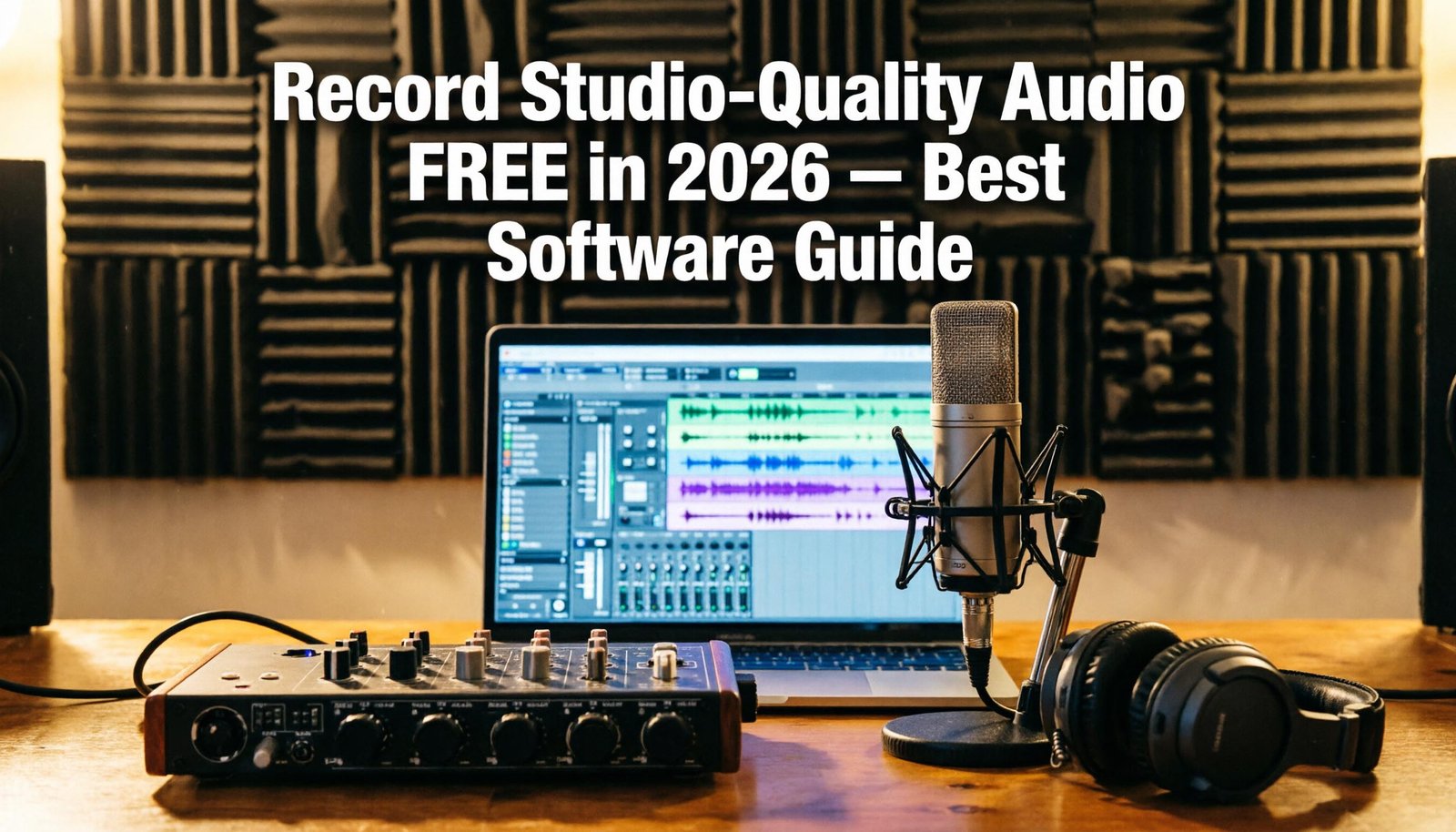
Whether you are starting a
podcast, recording original music, creating voiceovers for YouTube, or just
trying to capture a voice memo with noise reduction, the right audio recording
software makes an enormous difference. The good news is that some of the most
capable audio tools in the world are either free or available at a fraction of
what they cost a decade ago.
This guide covers the best audio
recording and editing software in 2026 for every experience level.
1. Audacity — Best Free Audio Editor and Recorder
Platform: Windows, Mac, Linux
(free, open-source)
Audacity is the world's most
popular free audio editor and has been for over 20 years. It is the first recommendation
for podcasters, voice actors, teachers creating instructional audio, and anyone
who needs to record and edit audio without budget.
Key Features
•
Multi-track recording and editing
•
Noise reduction: remove background hiss and room noise
•
Normalize, amplify, and EQ tools
•
Extensive effects library including compression,
reverb, and chorus
•
Pitch correction and time stretching
•
Supports MP3, WAV, FLAC, OGG, AIFF, and many more
formats
•
Spectral view for frequency-domain editing
•
Plugin support: VST, LADSPA, LV2
Audacity is not a Digital Audio
Workstation (DAW) — it does not have piano roll MIDI editing or the
non-destructive workflow of professional DAWs. But for recording, editing, and
cleaning up audio, it is remarkably capable for zero cost.
Important: Audacity was acquired
by Muse Group in 2021 and briefly updated its privacy policy to allow telemetry
data collection. Following community backlash, these changes were largely
reversed. The current open-source version (maintained by the community) is
available from FossHub.
2. Reaper — Best Value Paid DAW ($60 Forever)
Platform: Windows, Mac, Linux
Reaper is an anomaly in the DAW
market: a fully professional digital audio workstation that costs $60 for a
personal license — permanent, no subscription. The $225 commercial license is
still cheaper than one year of most competitors.
What Reaper Provides
•
Unlimited audio and MIDI tracks
•
Professional routing and bus architecture
•
Extensive built-in effects: EQ, compression, reverb,
delay, pitch shifting
•
VST/VST3/AU plugin support
•
Scriptable with Python, EEL2, and Lua for automation
•
Portable mode — run from a USB drive
•
Highly customizable interface with community themes
•
Extremely efficient CPU and RAM usage
Reaper's 60-day free trial is
fully functional — no features are disabled. Many users complete entire
projects during the trial period. The license is effectively 'pay what you feel
it is worth' for personal use.
3. GarageBand — Best Free DAW for Mac Users
Platform: Mac, iOS (free with
Apple devices)
GarageBand is Apple's free DAW,
pre-installed on all Mac computers. For music production on Mac, it is the
easiest starting point:
•
Smart instruments for beginners who do not play
keyboard
•
Drummer track with AI-generated drum parts
•
Extensive loop library
•
Virtual instruments: piano, guitar amp, synthesizer
•
Podcast voice processing presets
•
Export directly to Logic Pro project for seamless
upgrade
GarageBand is the perfect
introduction to music production and podcasting on Mac. Its limitation is that
it is Mac-only and lacks the advanced routing of professional DAWs. Users who
outgrow it naturally upgrade to Logic Pro ($199 one-time on Mac).
4. LMMS — Best Free Windows Music Production Software
Platform: Windows, Mac, Linux
(free, open-source)
LMMS (Linux MultiMedia Studio)
is the closest Windows equivalent to GarageBand — a free, beginner-accessible
music production environment with a beat+bassline editor, piano roll, song
editor, and virtual instruments.
•
Beat and Bassline editor for drum programming
•
Piano roll for melody and chord composition
•
Built-in synthesizers: ZynAddSubFX, BitInvader,
TripleOscillator
•
VST plugin support
•
Sample library for quick access to drums, bass, and
loops
LMMS is suitable for producing
electronic music, hip-hop, and pop on a zero budget. The interface feels dated
compared to commercial DAWs but the core functionality is solid.
5. Ocenaudio — Best Simple Audio Editor
Platform: Windows, Mac, Linux
(free)
Ocenaudio is a cleaner, more
modern alternative to Audacity for straightforward audio editing tasks. Its
real-time preview of effects (hear changes before applying) and simpler
interface make it excellent for podcasters who find Audacity overwhelming.
6. Adobe Audition — Best Professional Audio Editor
Platform: Windows, Mac
(subscription via Creative Cloud)
Adobe Audition is the
professional standard for podcast production, radio broadcasting, and audio
post-production. Its Spectral Frequency Display allows visual noise removal
that is extraordinarily effective. It costs $20.99/month or is included in
Creative Cloud All Apps.
Quick Podcast Recording Setup
1. Install
Audacity (free) and configure your USB or XLR microphone as input
2. Create
a new project: File > New
3. Record
your episode (Shift+R to record without overwriting previous takes)
4. Apply
Noise Reduction: select a quiet section > Effects > Noise Reduction >
Get Noise Profile > then apply to full track
5. Apply
normalization: Effects > Loudness Normalization > target -16 LUFS
(podcast standard)
6. Export:
File > Export > Export as MP3 > set quality to 128 kbps mono
Conclusion
Audacity remains the best free
audio recording and editing tool for non-music use cases — podcast recording,
voice work, and audio cleanup. For music production, GarageBand (Mac) and LMMS
(Windows) provide free starting points. Reaper at $60 is the best-value paid
option for users who need professional DAW functionality. The barrier to
recording quality audio has never been lower — the tools are free, and a decent
USB microphone costs $50–$100.
Category:
Software Reviews
Tags:
best audio recording software, Audacity review 2026, Reaper DAW
value, free music production software, podcast recording tools