You have sales data, customer
records, website analytics, and financial reports — but turning that data into
actionable insight has always meant hiring an analyst or waiting for the data
team. Not anymore. In 2026, AI tools have made meaningful data analysis
accessible to anyone who can ask a clear question.
This guide is for business
owners, marketing managers, operations professionals, and anyone else who has
data they need to understand but doesn't know Python or SQL. We'll cover
exactly which tools to use for which situations, with step-by-step workflows
you can start using today.
The No-Code AI Data Analysis Toolkit
Tool 1: ChatGPT with Advanced Data Analysis
ChatGPT Plus subscribers can
upload spreadsheets and CSV files directly. The built-in Python interpreter
analyzes your data, creates visualizations, and answers questions in plain
English. Upload your Excel file and ask: 'Which product category has the
highest average order value?' 'Show me a month-by-month trend of revenue for
the past year.' 'Identify the top 10 customers by total spend and flag any who
haven't ordered in 90 days.' The AI writes and executes the Python code
invisibly; you see only the answers and charts.
Tool 2: Microsoft Copilot in Excel
If you already use Microsoft
365, Copilot in Excel provides AI data analysis directly in your spreadsheet
workflow. Select a data range and ask Copilot to 'Show me the correlation
between marketing spend and monthly sales' or 'Create a pivot table showing
revenue by region and quarter.' Copilot generates the analysis, creates the visualization,
and writes a summary interpretation — all without leaving Excel.
Tool 3: Google Looker Studio with AI Summaries
Google Looker Studio (free)
connects to Google Analytics, Google Ads, Google Sheets, and hundreds of other
data sources to create live dashboards. Its AI summary feature generates
plain-English interpretations of dashboard metrics. For businesses running
Google-ecosystem tools, Looker Studio provides enterprise-grade visualization
at zero cost.
Tool 4: Julius AI — Conversational Data Analysis
Julius.ai is specifically
designed for natural language data analysis. Upload any spreadsheet and have a
conversation about your data: 'What are the main drivers of cart abandonment in
this data?' 'Compare performance in Q1 vs Q2 and explain the differences.'
Julius generates charts, statistical analysis, and written interpretations
without requiring any technical knowledge.
Practical Workflow 1: Monthly Sales Analysis
Step 1: Export your monthly
sales data to Excel or CSV (from your POS system, CRM, or ecommerce platform).
Step 2: Upload to ChatGPT Advanced Data Analysis. Step 3: Ask these questions
sequentially — 'Give me an overview of this dataset's key metrics.' 'Which 3
products are driving the most revenue growth?' 'Are there any concerning trends
I should investigate?' 'Create a chart showing revenue trend with 3-month
moving average.' Step 4: Screenshot or export the charts. Step 5: Ask for a
written summary you can share with stakeholders.
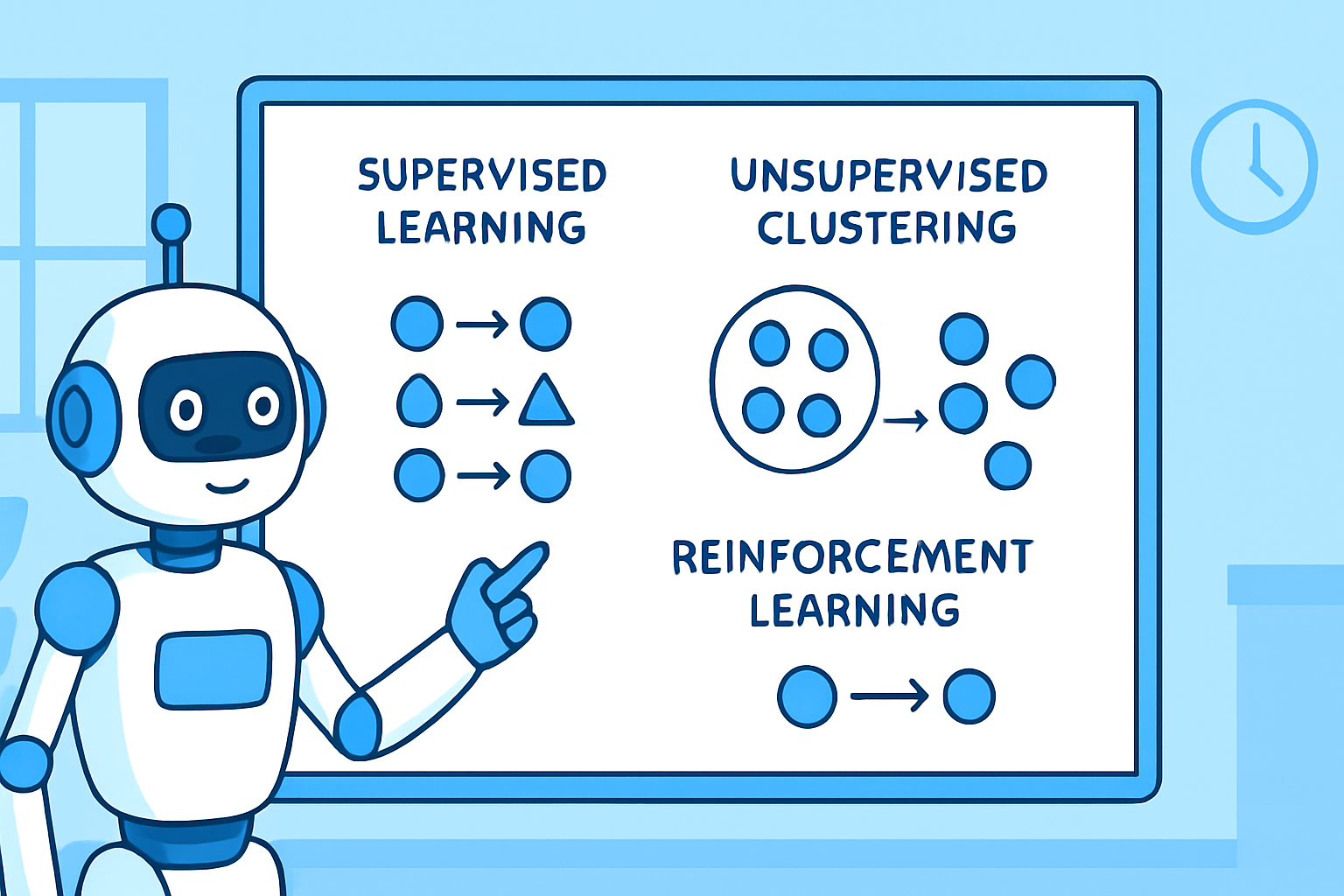
Practical Workflow 2: Customer Segmentation
Upload your customer purchase
history data and ask: 'Segment customers into groups based on their purchasing
patterns.' 'What characteristics define high-value customers?' 'Which customer
segment is most at risk of churning based on recent behavior?' 'For each segment,
suggest one marketing approach that would fit their behavior pattern.' Customer
segmentation that previously required an analyst with SQL skills and days of
work now takes 15 minutes with AI.
Practical Workflow 3: Marketing Performance Analysis
Connect your marketing data
(Google Analytics export, email marketing reports, social media analytics) and
ask: 'Which traffic channel has the best conversion rate to purchase?' 'What
content topics drive the most engaged visits?' 'Calculate the estimated customer
acquisition cost by channel.' 'Which campaigns had the highest ROI and what did
they have in common?' These insights directly inform budget allocation
decisions.
Important Limitations and Safeguards
AI data analysis is powerful but
requires human judgment for important decisions. Always validate significant
findings by checking underlying data — AI can misinterpret column names or data
types. For sensitive business data, use enterprise AI tools with data
protection commitments rather than public tools. AI cannot account for context
outside the data: market trends, operational changes, or external events that
explain anomalies in your numbers. Treat AI analysis as a starting point for
investigation, not a final answer for critical decisions.
Data Preparation Tips That Dramatically Improve AI Analysis
The quality of AI analysis
depends heavily on data quality. Before uploading: ensure column headers are
clear and descriptive, remove duplicate rows, standardize date formats across
the entire column, ensure categorical variables are consistent (don't have
'North,' 'north,' and 'N' in the same column), and remove or handle missing
values. 20 minutes of data cleaning before analysis is worth 2 hours of
confused AI interpretation afterward.
Conclusion
The era of data-driven
decision-making being exclusively available to businesses with data science
teams is over. AI tools in 2025 enable any professional who can ask clear
business questions to get meaningful analysis from their data. Start with your
most pressing business question and a recent data export. The barrier isn't
technical anymore — it's knowing what question to ask, which has always been
the most important analytical skill anyway.