React is fast by default —
until it is not. A common experience as React applications grow: the UI starts
feeling sluggish, typing in inputs causes noticeable lag, animations stutter,
or the app freezes for a moment when state updates. The root cause in almost
every case is unnecessary re-renders: components re-rendering when they have no
reason to.
This guide covers the most
common React performance problems, how to diagnose them using the React
Profiler, and the specific optimization tools that actually fix them — used
correctly, not cargo-culted.
How React Re-rendering Works
When a component's state
or props change, React re-renders that component and all of its children — even
children whose props did not change. This is React's default behavior. For most
applications with reasonable component trees, this is fast enough to be
imperceptible. Problems arise when re-renders are expensive (components that do
heavy computation) or when re-renders cascade widely (one state change triggers
hundreds of components to re-render).
Step 1: Diagnose with React DevTools Profiler
Install React DevTools
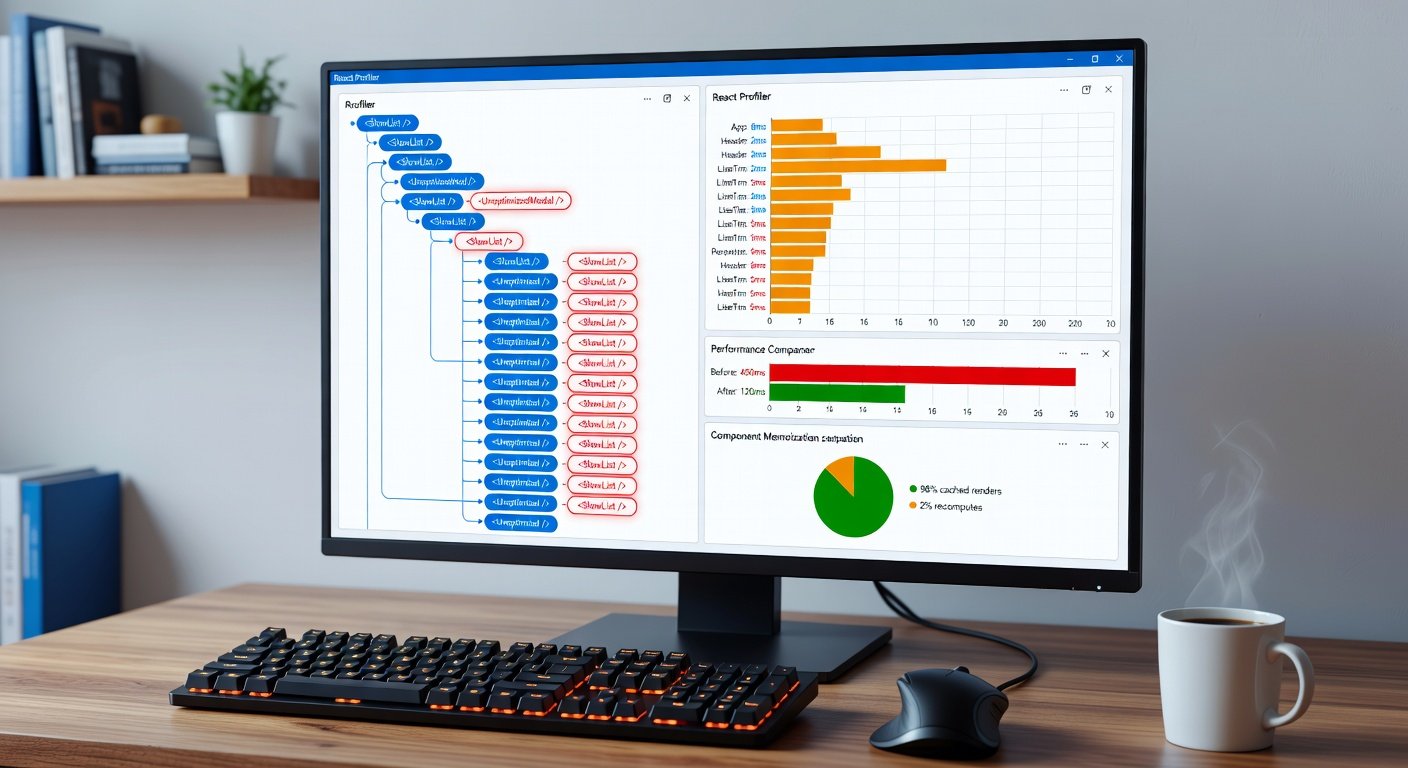
browser extension. Open DevTools → click the Profiler tab → click Record →
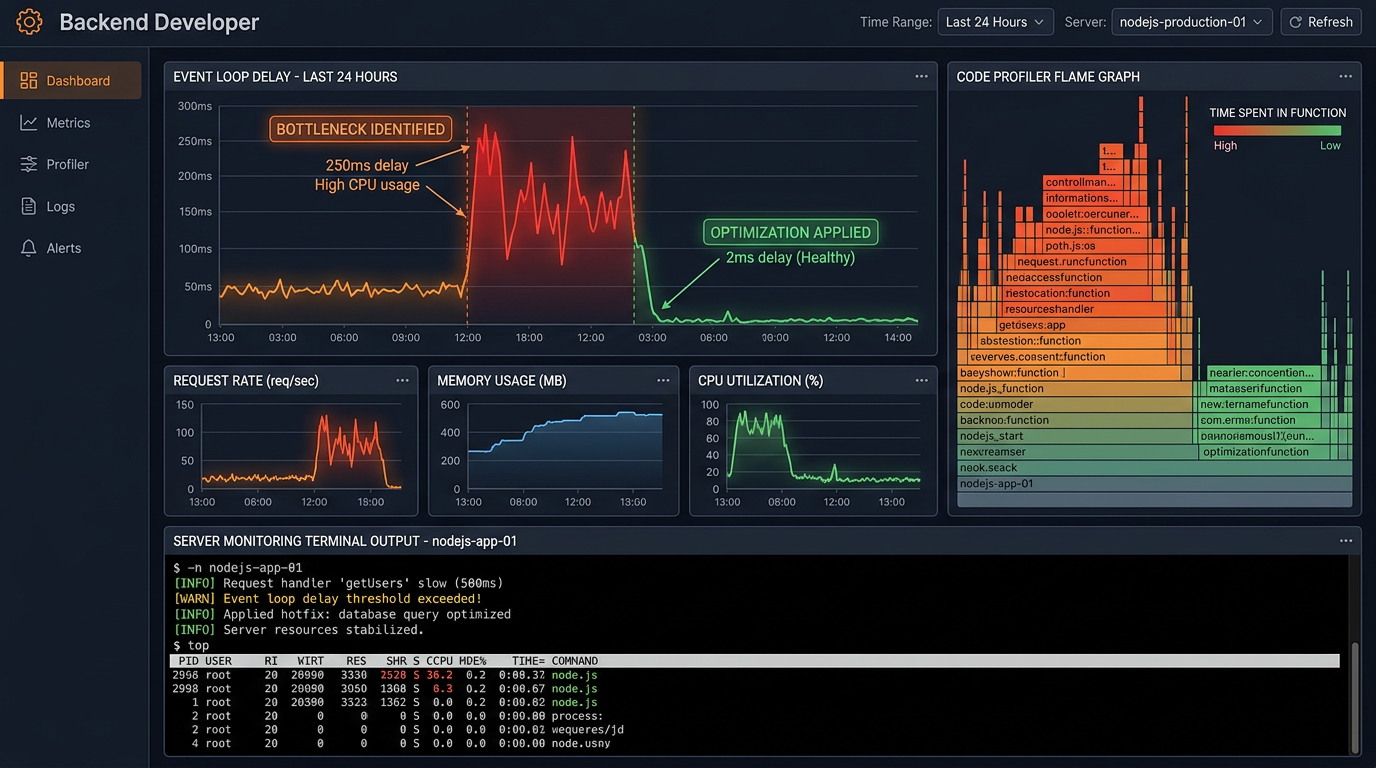
interact with your slow UI → stop recording. The profiler shows a flame graph
of every component that rendered, how long each took, and why it re-rendered
(the 'Why did this render?' button in the Profiler settings must be enabled).
Identify which components take the longest and which ones re-render
unnecessarily. This data drives every optimization decision — never optimize
based on assumptions.
Fix 1: React.memo — Prevent Child Re-renders
React.memo is a
higher-order component that memoizes a functional component's output. It only
re-renders the component if its props actually changed. Usage: const
MyComponent = React.memo(function MyComponent(props) { ... }). Important
caveat: React.memo uses shallow comparison for props. If a prop is an object or
function created inline, a new reference is created on every render (even if
the value is conceptually the same), which triggers a re-render anyway. This is
why React.memo is often used in conjunction with useMemo and useCallback.
Fix 2: useCallback — Stable Function References
When you define a function
inside a component, a new function instance is created on every render. If you
pass that function as a prop to a memoized child component, the child will
re-render every time the parent does (because the function prop has a new reference).
useCallback solves this by returning the same function reference between
renders, as long as the dependency array does not change. Usage: const
handleClick = useCallback(() => { doSomething(id); }, [id]). Only use
useCallback on functions passed as props to memoized components — using it
everywhere is a performance anti-pattern.
Fix 3: useMemo — Expensive Calculations
If a component renders and
performs an expensive computation (sorting a large list, complex data
transformation, heavy filtering), that computation runs on every render — even
renders triggered by unrelated state changes. useMemo memoizes the
computation's result and only recalculates when its dependencies change. Usage:
const sortedList = useMemo(() => { return heavySortOperation(data); },
[data]). Measure the computation time before adding useMemo — the hook itself
has overhead. Only use it for operations that take measurable time
(milliseconds, not microseconds).
Fix 4: State Location — Keep State Close to Where It Is Used
One of the most impactful
and least-discussed React performance optimizations is state colocation. When
state lives at a high level in the component tree, any state update re-renders
the entire subtree below it. Move state as close as possible to the components that
actually need it. If only one component needs a piece of state, that state
should live in that component, not in a parent or global store.
Fix 5: Context API Performance Issues
When a Context value
changes, every component that consumes that context re-renders — even if the
specific part of the context it uses has not changed. This is a common source
of unexpected performance problems. Solutions: Split contexts by concern — one
context for user data, a separate context for theme, a separate context for UI
state. Use memoized selectors with libraries like use-context-selector.
Alternatively, use a state management library like Zustand or Jotai that
supports selective re-rendering based on which slice of state a component
subscribes to.
Fix 6: Virtualize Long Lists
Rendering 1000+ list items
in the DOM is expensive regardless of optimization. Use list virtualization to
only render the items currently visible in the viewport. The React Window
library (react-window) makes this straightforward. Replace your list rendering
with FixedSizeList or VariableSizeList from react-window and provide item
dimensions. The DOM will only contain the ~10-20 currently visible items,
making rendering dramatically faster.
Fix 7: Code Splitting and Lazy Loading
If your React bundle is
large, initial load performance suffers. Use React.lazy() and Suspense to
lazily load components that are not needed for the initial render. Heavy
components like modals, charts, admin panels, and routes are good candidates
for lazy loading. This reduces your initial bundle size and makes the first
page load faster.
Common React Performance Anti-Patterns
Putting large objects or
arrays in state when only a primitive value is needed. Creating context values
as new objects on every render (wrap the value in useMemo). Defining functions
inside JSX render (they create new references every render — move them outside
or use useCallback). Storing derived state (values that can be calculated from
existing state) in separate state variables — compute them inline or with
useMemo instead.
Conclusion
React performance
optimization is a measurement-first discipline. Always profile before
optimizing, identify the specific components causing slowness, and then apply
the targeted fix. React.memo, useCallback, and useMemo are powerful tools — but
they add cognitive overhead and should be used where the profiler shows they
are actually needed. The structural fixes (state colocation, context splitting,
virtualization) often provide the biggest gains with the least complexity.